EasyCloud Gate Exit: Bringing Control and Visibility to Your Factory Dispatch
Why Gate Exit Needs a System
For most manufacturing units, gate exit is still managed with paper slips, manual registers, and verbal confirmations. This leads to:
- No fool-proof way to confirm whether a particular sales invoice has actually exited the factory
- Risk of the same invoice being misused or passed multiple times
- Weak documentation in case of disputes, audits, or claims
- Zero visual proof of how and what was loaded on the vehicle
EasyCloud addresses these gaps with a structured, system-driven gate exit process.
How EasyCloud Gate Exit Works
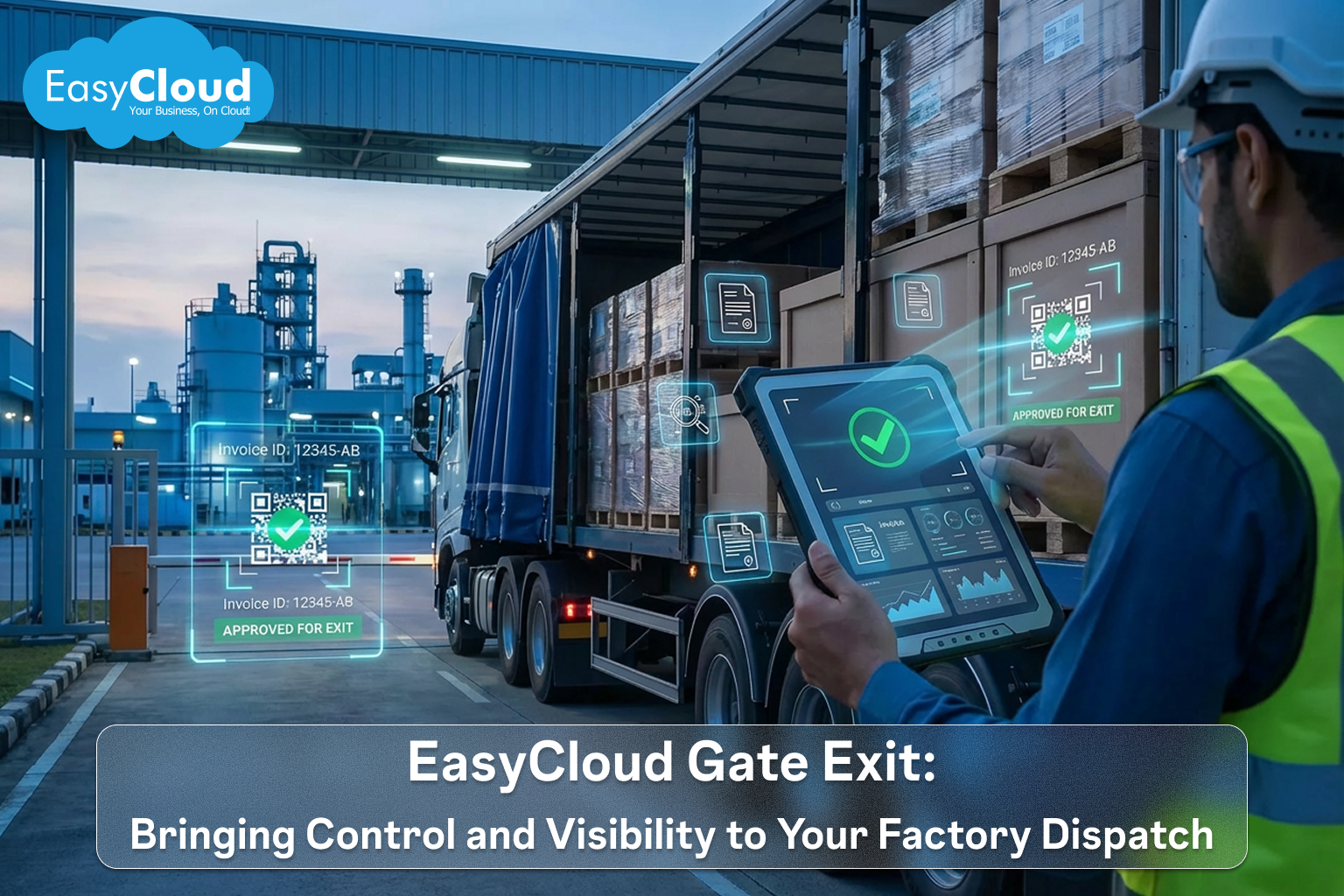
At the core of the Gate Exit module is a simple principle: nothing exits the factory without being tied to a valid sales invoice.
- A sales invoice is created in the system for the outbound material.
- This invoice carries a unique identifier—either a small barcode, the existing IR number, or a QR code.
- At the time of gate exit, this code is scanned or entered to validate that:
- The invoice is genuine.
- The invoice has not already been used for a previous exit.
This ensures the same sales invoice can never be used to exit the factory twice, effectively closing a major loophole in dispatch control.
Enforcing One-Time Exit with Barcode/QR
Each sales invoice can be configured to carry:
- A barcode
- An IR number
- Or a QR code
When the truck reaches the gate, the security or dispatch team scans this code through EasyCloud. The system checks whether this invoice is being used for the first time or if it has already been exited before.
Capturing Complete Vehicle and Driver Details
Gate exit is not just about the document; it is also about who is taking the material out.
EasyCloud captures:
- Vehicle number
- Driver name
- Driver mobile number
These details are linked to the gate exit record and the corresponding sales invoice, making it easy to track which vehicle carried which material, driven by whom, and when.
Photo Evidence at the Point of Exit
To strengthen control and provide visual proof, EasyCloud supports photo capture at the gate.
At the time of gate exit, the system allows the team to capture:
- A photo of the vehicle number plate
- Photos of the loaded material after it has been placed in the truck
These images are stored along with the gate exit entry, giving you:
- Evidence of what was loaded
- Condition of goods at dispatch
- A strong reference point for disputes, shortages, or claims later
End-to-End Traceability from Invoice to Factory Gate
By combining invoice verification, driver and vehicle details, and photo capture, EasyCloud's Gate Exit module delivers end-to-end traceability:
- Every exit is tied to a unique, valid sales invoice.
- Each invoice can only exit once.
- Every truck, driver, and load is documented with text and images.
For Operations: A clear, standardized process that is easy to follow and hard to bypass.
If your factory dispatch still relies on manual gate passes and paper registers, EasyCloud Gate Exit gives you a modern, digital way to secure and streamline the last and most critical step of your outbound process.
